
Con PagoDIL e grazie all’accordo con Cofidis, C&C Shop ti permette di dilazionare il pagamento in 10 comode rate senza costi né interessi.
Choose PagoDIL at checkout and prepare:


 0 €0.00
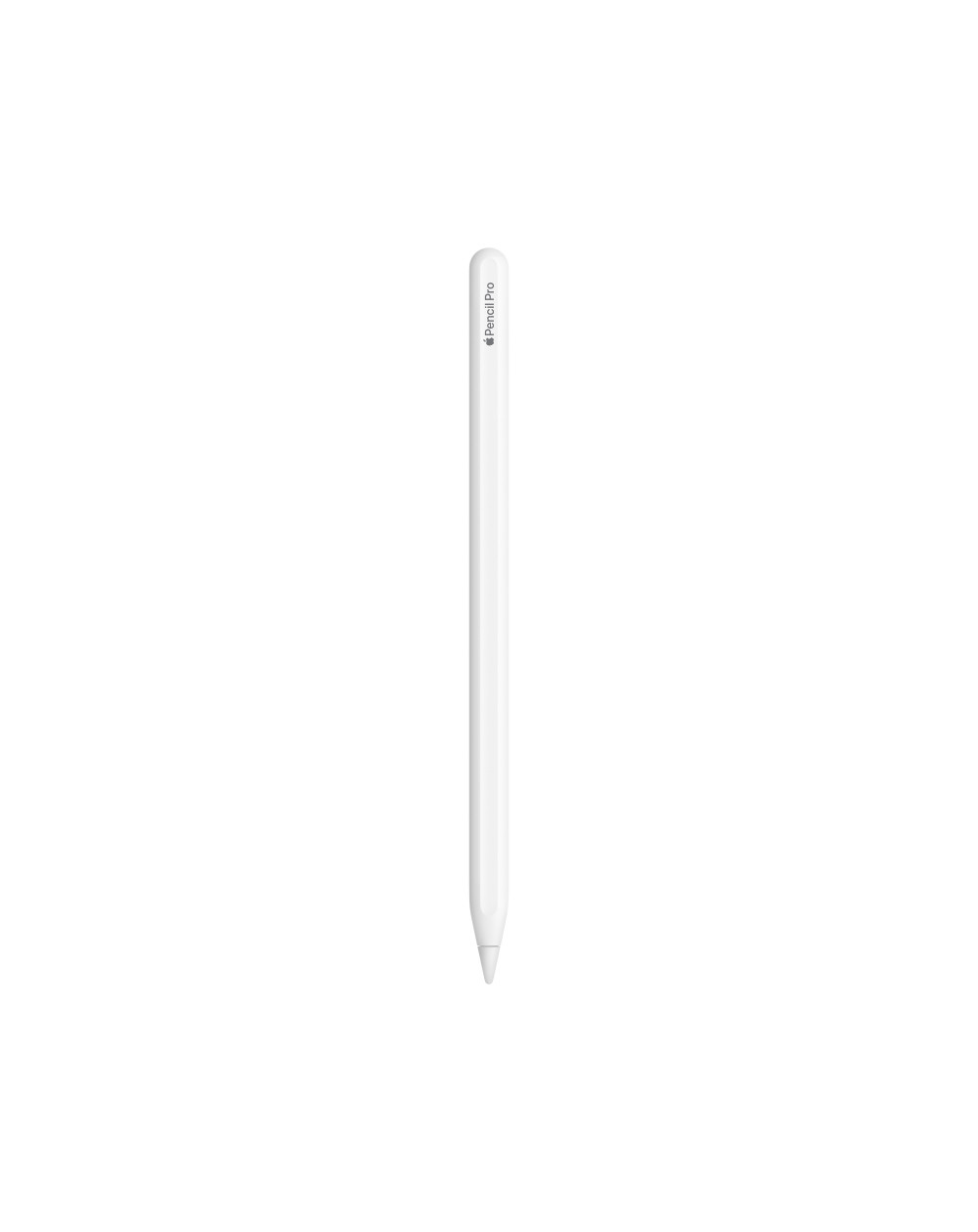
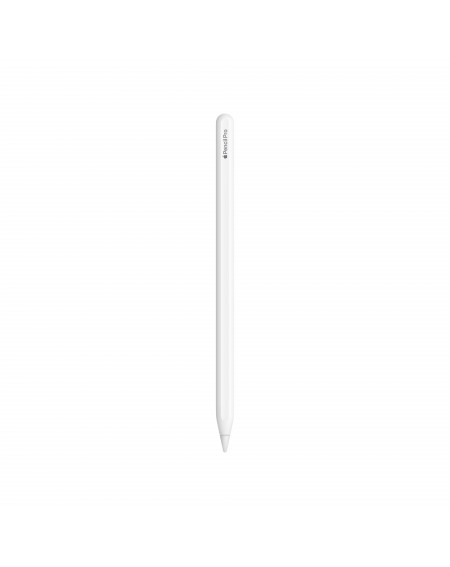
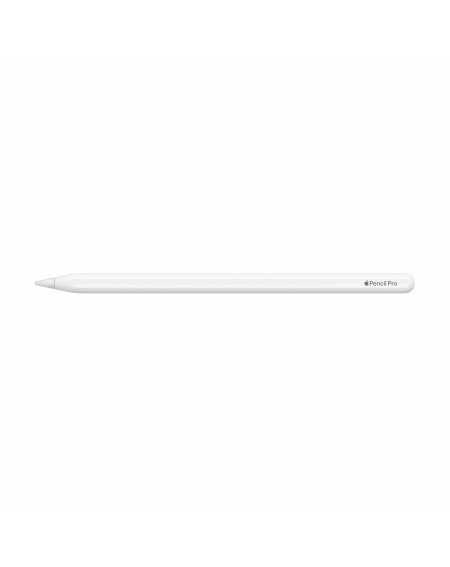
 Apple Pencil Pro helps you bring your ideas to life with advanced features that are even more magical: jotting down documents, taking notes or drawing a small masterpiece will come more naturally than ever. Press with your fingers. With the new sensor, Apple Pencil detects when you press it with your fingers and opens a new palette that lets you change the tool, stroke thickness and color. Rotate. With the new gyroscope, you can rotate Apple Pencil to precisely adjust the angle of your stroke or brushstroke as you draw. Haptic feedback. The special haptic engine gives you precise feedback: when you double-tap or press with your fingers, you'll feel the Apple Pencil pulse slightly. Non-contact Apple Pencil functions. You can see exactly where the tip will touch the screen before you put it down. That means writing and drawing with even more precision. Double-tap. Double-tap Apple Pencil to switch between pen and eraser or the tool you need on the fly. Apple Pencil Pro magnetically attaches to the side of your iPad for pairing and charging. And if you can't remember where you put it, you can find it again with the Where's app.

Apple Pencil Pro helps you bring your ideas to life with advanced features that are even more magical: jotting down documents, taking notes or drawing a small masterpiece will come more naturally than ever. Press with your fingers. With the new sensor, Apple Pencil detects when you press it with your fingers and opens a new palette that lets you change the tool, stroke thickness and color. Rotate. With the new gyroscope, you can rotate Apple Pencil to precisely adjust the angle of your stroke or brushstroke as you draw. Haptic feedback. The special haptic engine gives you precise feedback: when you double-tap or press with your fingers, you'll feel the Apple Pencil pulse slightly. Non-contact Apple Pencil functions. You can see exactly where the tip will touch the screen before you put it down. That means writing and drawing with even more precision. Double-tap. Double-tap Apple Pencil to switch between pen and eraser or the tool you need on the fly. Apple Pencil Pro magnetically attaches to the side of your iPad for pairing and charging. And if you can't remember where you put it, you can find it again with the Where's app.
Apple Pencil Pro helps you bring your ideas to life with advanced features that are even more magical: jotting down documents, taking notes or drawing a small masterpiece will come more naturally than ever.
Press with your fingers.
With the new sensor, Apple Pencil detects when you press it with your fingers and opens a new palette that lets you change the tool, stroke thickness and color.
Rotate.
Thanks to the new gyroscope, you can rotate Apple Pencil to precisely adjust the angle of your stroke or brushstroke as you draw.
Haptic feedback.
The special haptic engine gives you precise feedback: when you double-tap or press with your fingers, you'll feel the Apple Pencil pulse slightly.
Contactless Apple Pencil Features.
You can see exactly where the tip will touch the screen before you put it down. That means writing and drawing with even more precision.
Double-tap.
Double-tap Apple Pencil to switch on the fly between the pen and the eraser or tool you need.
Apple Pencil Pro magnetically attaches to the side of your iPad for pairing and charging. And if you can't remember where you put it, you can find it again with the Where's app.
 Shop Online
  Bari
Bari